Description
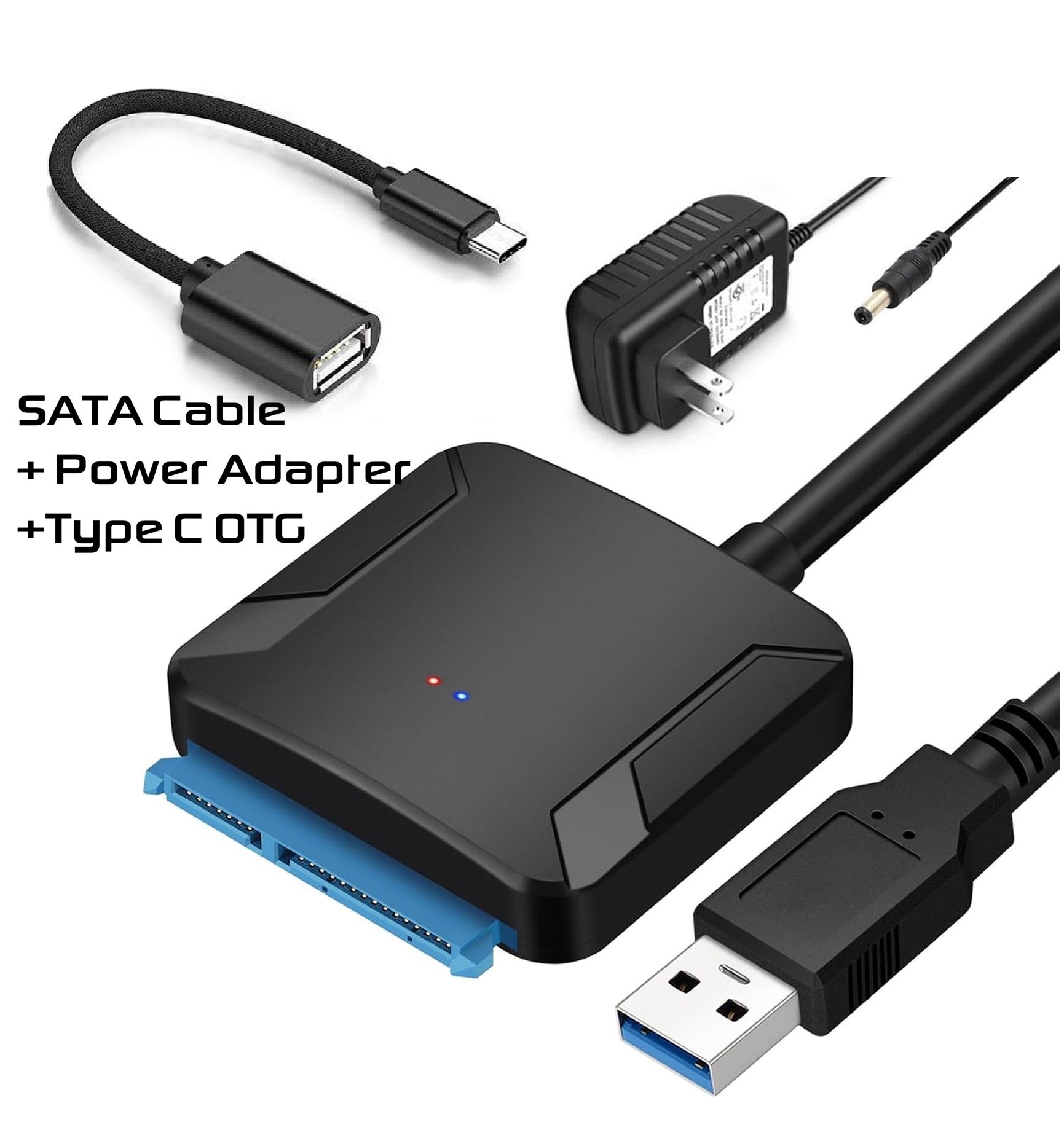
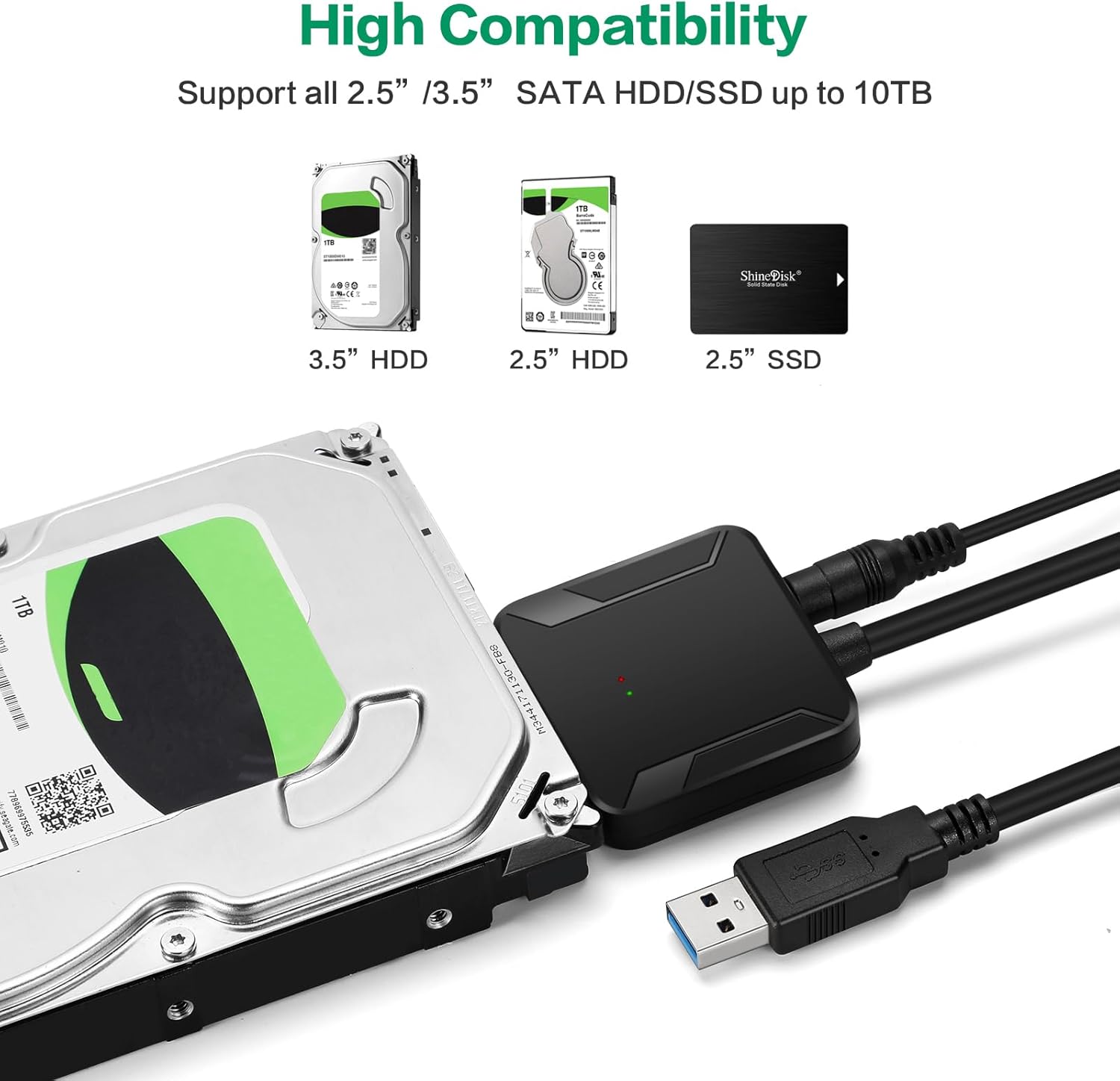
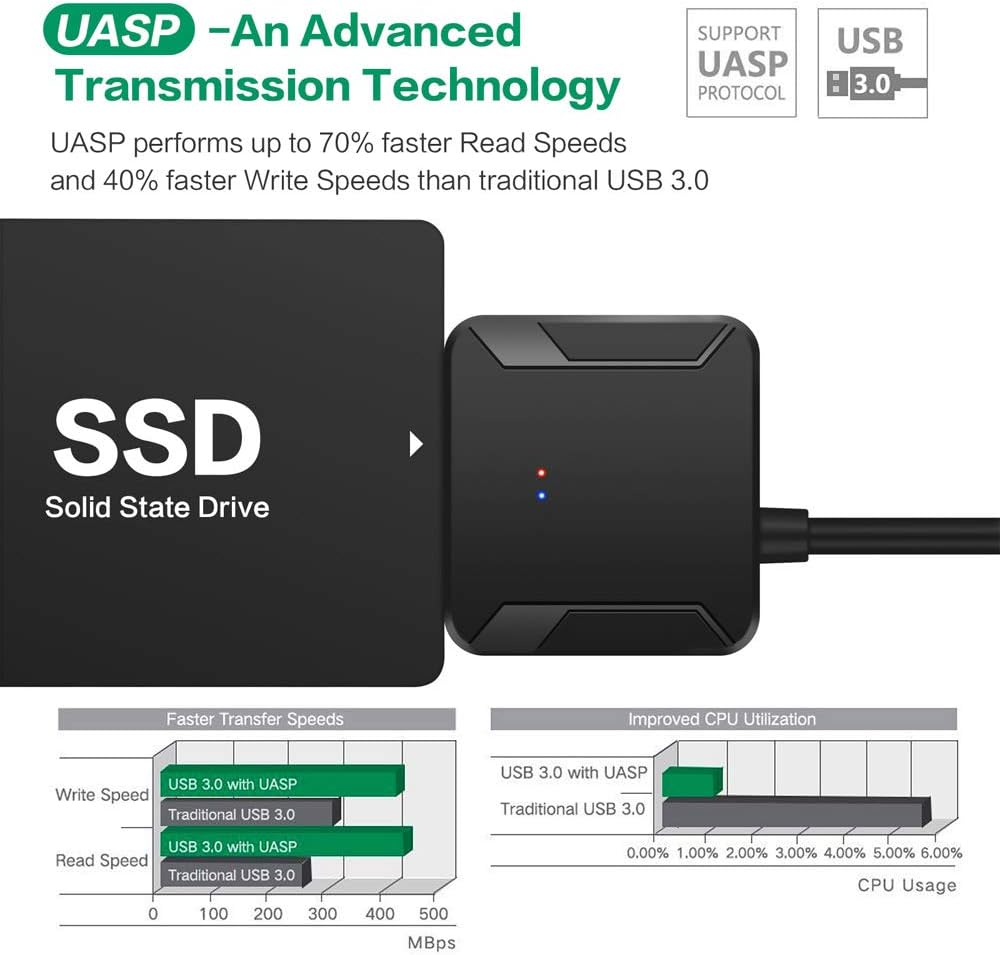
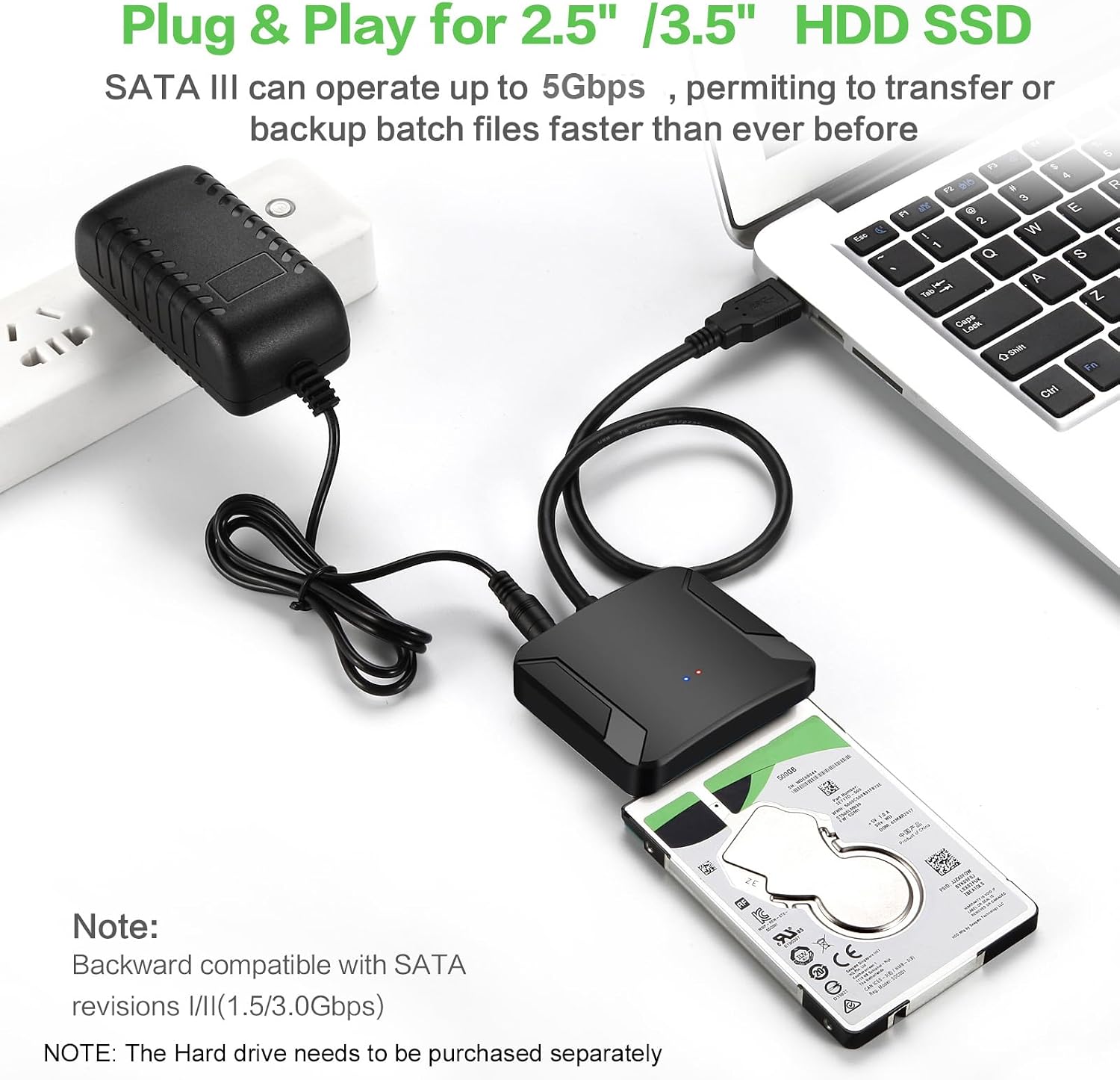
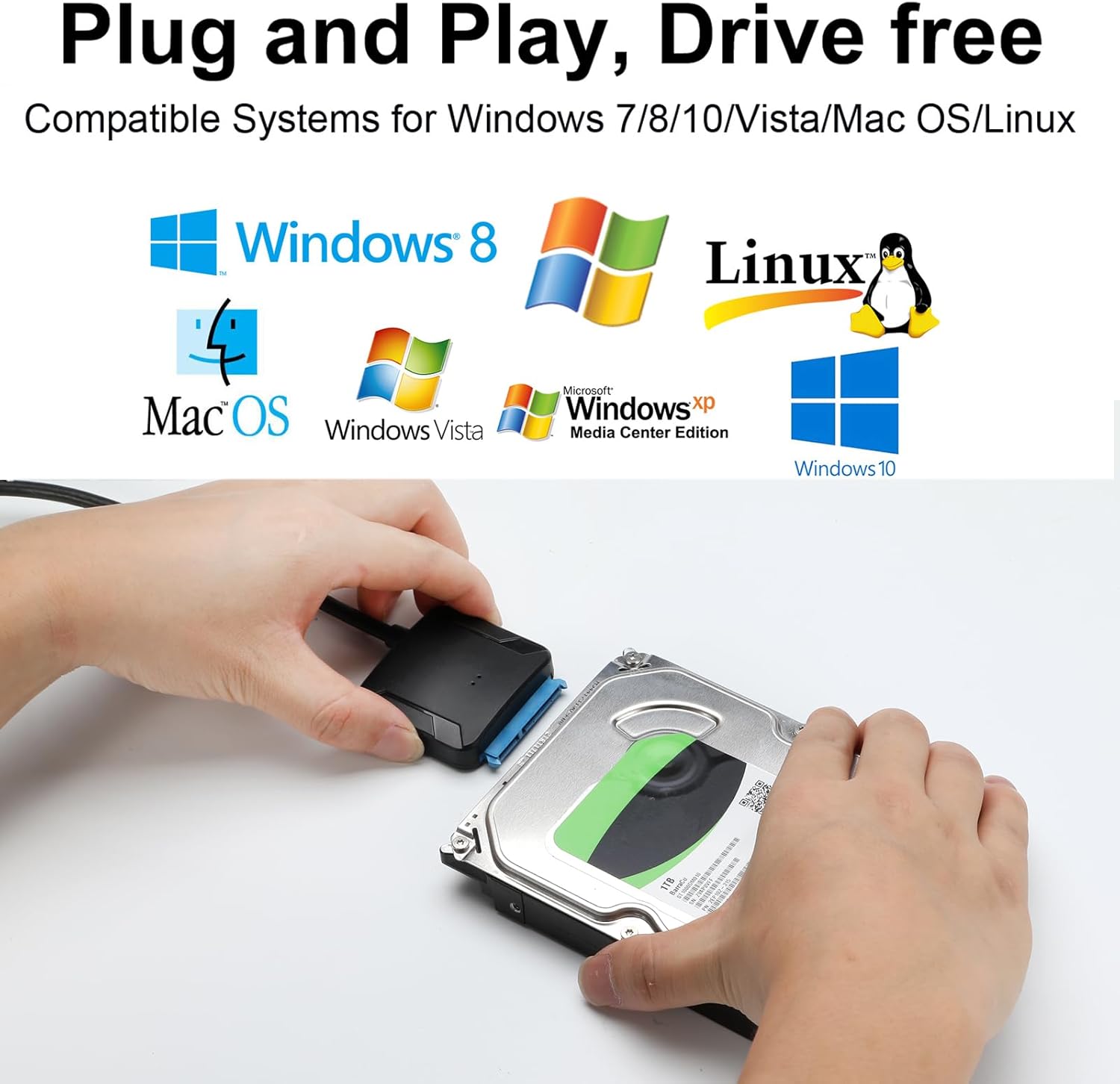
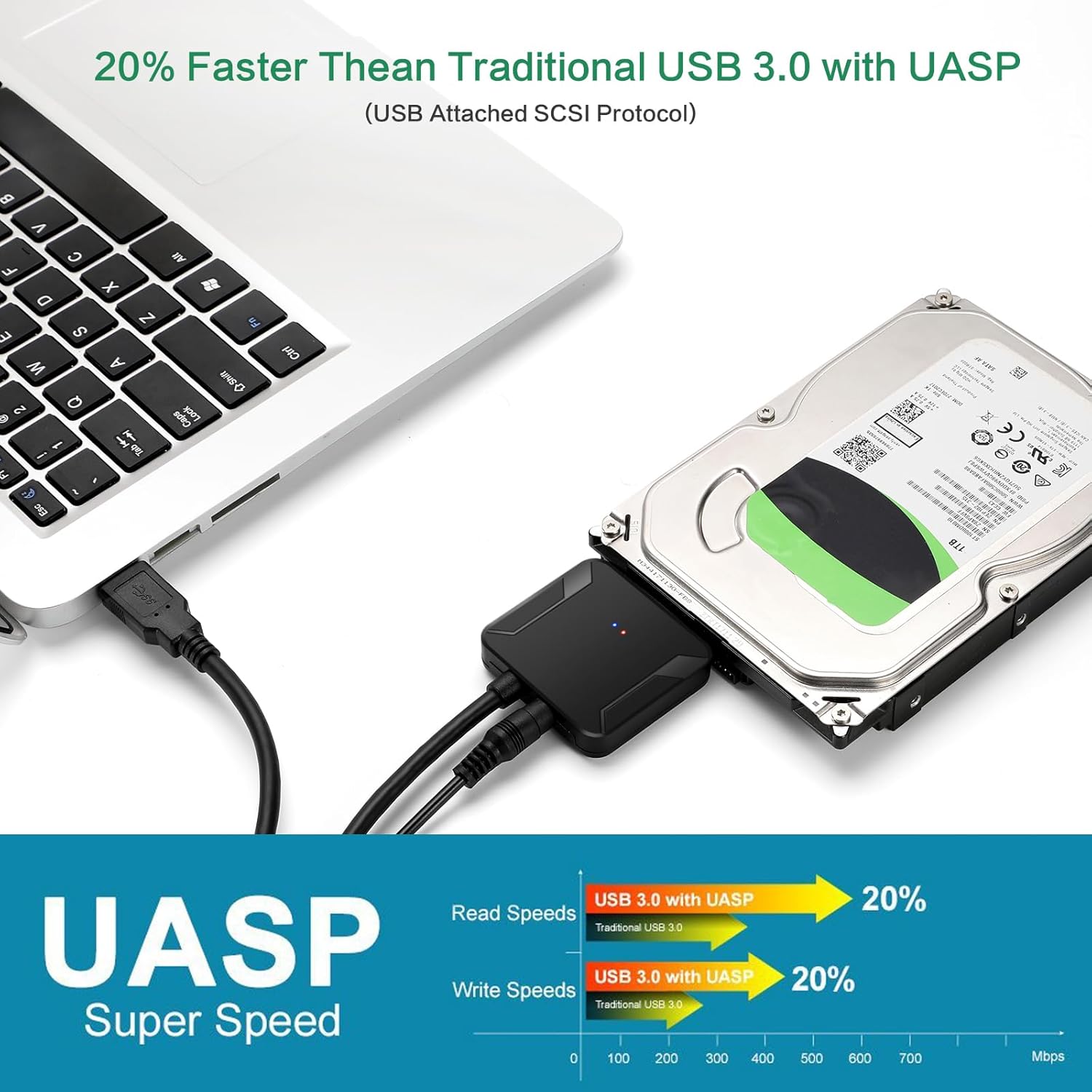
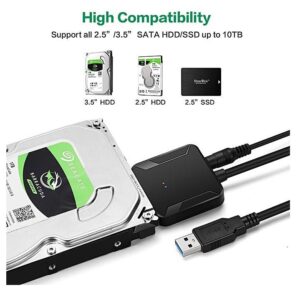
This USB 3.0 to SATA adapter cable provides a 5Gbps connection between your computer’s USB 3.0 port and any standard 2.5″ or 3.5″ SATA HDD/SSD, Blu-ray DVD, CD-ROM, DVD-ROM, or CD-RE drive. It supports Windows (98-8) and Mac OS X, offering plug-and-play and hot-swapping functionality. Ideal for file backups, data recovery, or upgrading notebook hard drives, it allows you to easily connect internal SATA drives externally via USB-A or USB-C.
Applications:
- Create on-the-go external storage.
- Back up important data.
- Retrieve data from old SATA drives.
- Upgrade laptop hard drives using an SSD externally.
- Copy internal drives to new SSDs.
- Check, repair, or clone drives.
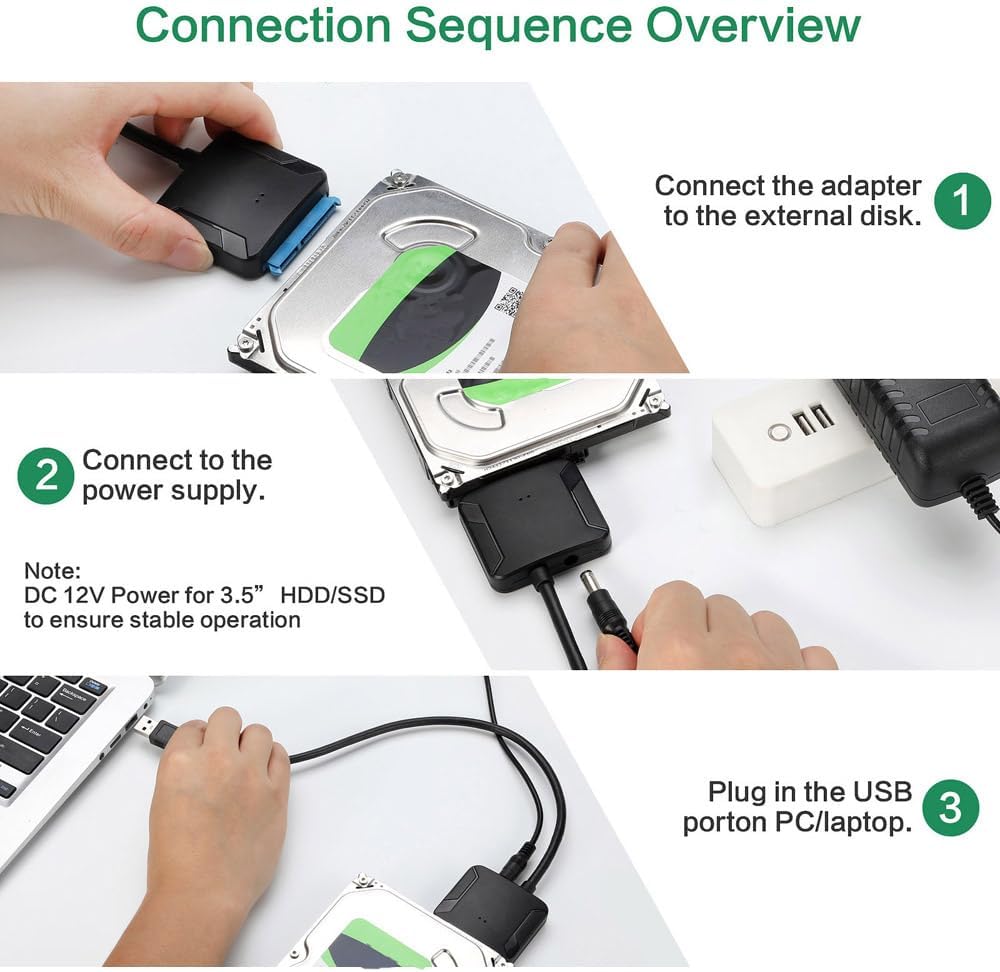
Installation Guide:
- Prepare Hardware: Gather the adapter (with cables/power supply), a 2.5″ or 3.5″ SATA HDD/SSD, and a computer.
- Connect Drive to Adapter:
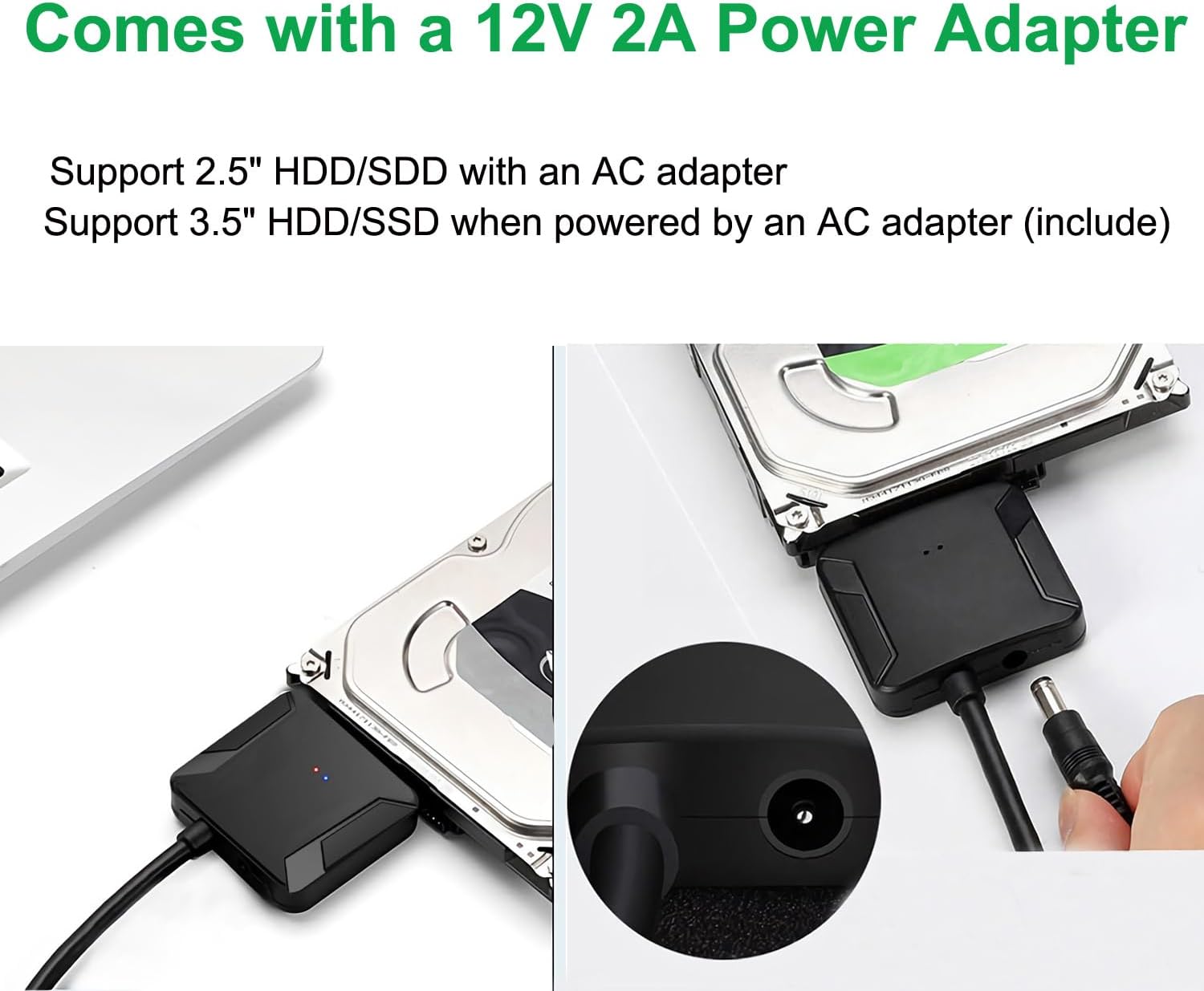
- 2.5″ HDD/SSD: Plug the SATA data cable into the drive. No external power is needed.
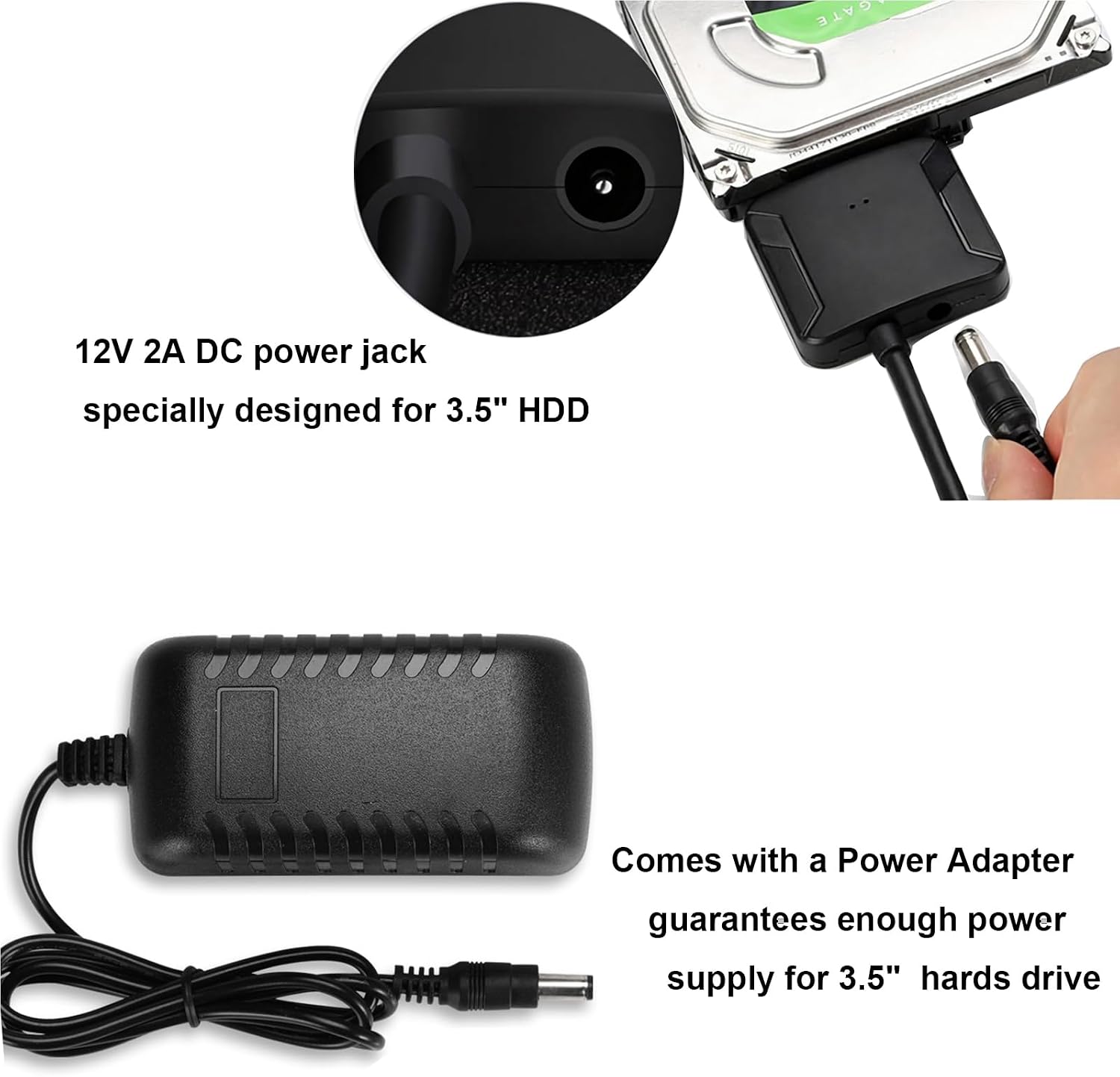
- 3.5″ HDD: Connect the SATA data cable to the drive. Attach the 12V power adapter and plug it in.
- Connect Adapter to Computer: Plug the USB end into your computer’s USB port.
Troubleshooting (Drive Not Recognized):
- New Drive: Initialize and format new SSDs/HDDs.
- Old/Removed Drive: Confirm the drive’s integrity.
- Mac OS: Set the hard disk format.
- Incompatible Drive: This cable does not support SAS/SCSI drives.
- Damaged USB Port: Try a different USB port.
- Drive Spins but Not Detected: Format/repair via Disk Management.
- Drive Not Listed in Disk Management: Replace the cable or adapter.
- Intermittent Detection: Secure connections; use external power.
- Device Descriptor Request Failed: Update USB drivers or OS.

















































Reviews
There are no reviews yet.